
- Login to your account and head to your dashboard.
- Click on the camera icon in the bottom left corner of your profile pic.
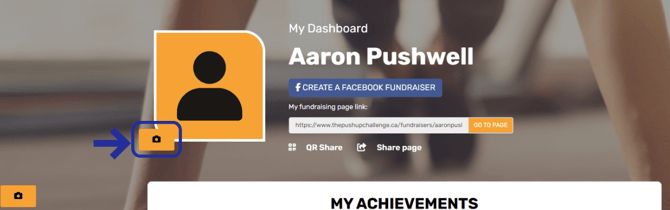
- Follow the prompts to upload a new profile pic. Hit 'Save' when you are done!
Note, you can also update your page's cover photo by click the camera icon in the bottom left corner of the cover pic!