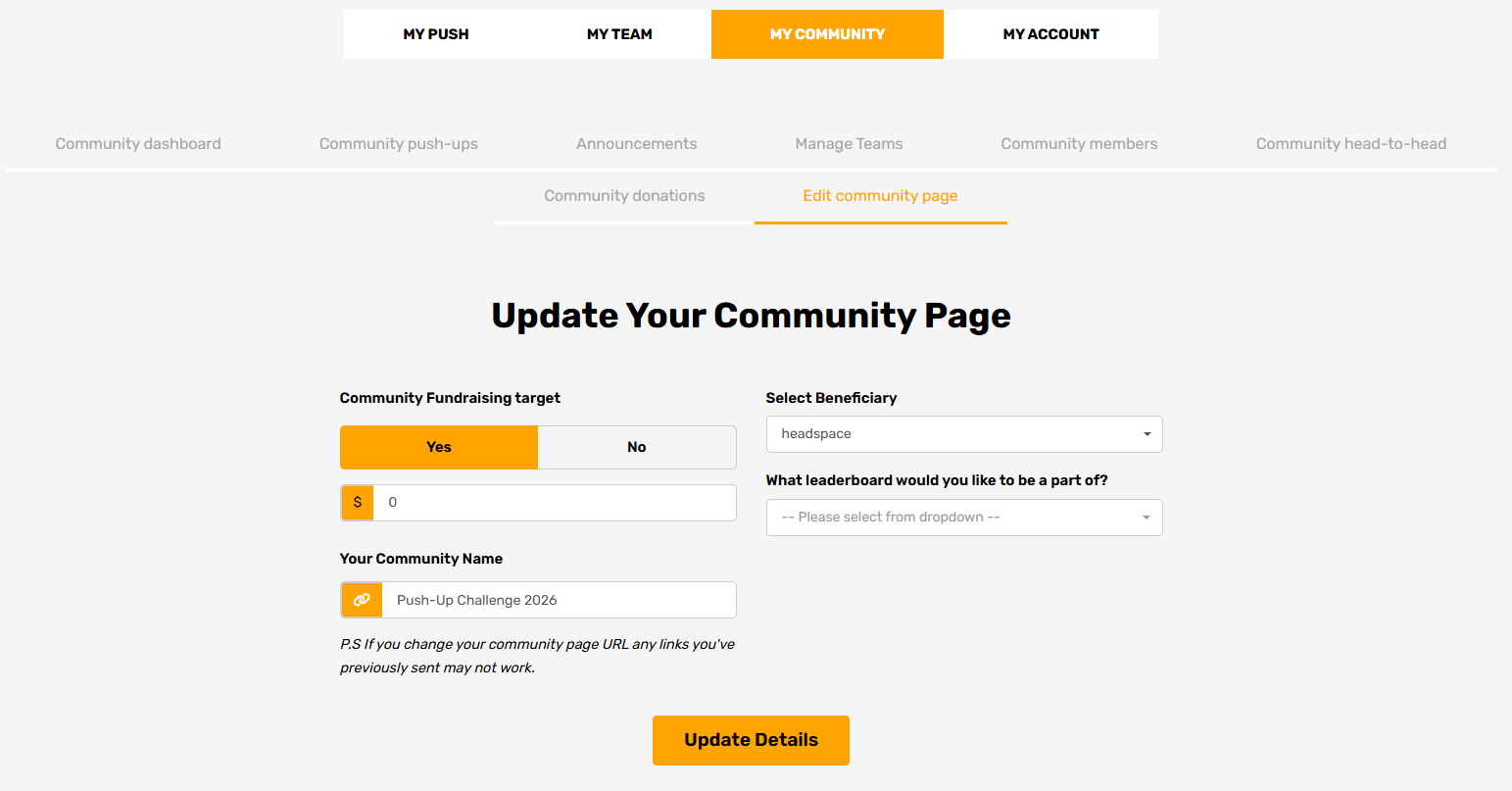
What can I edit on a Community page?
As a Community Leader, you can update:
- Your Community name
- Your Community fundraising target
- Your chosen charity / beneficiary
- Your leaderboard settings
- Other Community page details visible to members
How to edit your Community page (Community Leaders only)
- Log in to your account and head to your dashboard
- Select My Community
- Click Edit community page
- Make your updates as needed
- Click Update details to save your changes
Your updates will appear on your Community page straight away.