
Great choice — being part of a Team is a fun way to stay motivated and connected throughout The Push‑Up Challenge.
How do I join a Team?
If you haven’t signed up yet
When registering:
- Click Sign up
- Select Join Team during the registration process
- Search for your Team by name and follow the prompts to join
You can also join a Team from your dashboard once you’ve finished registering.
If you’re already registered
If you already have an account:
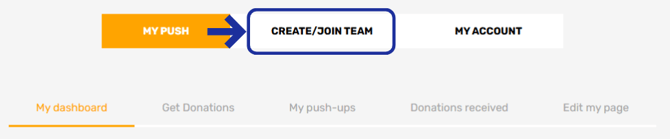
- Head to your dashboard
- Select Create/Join Team
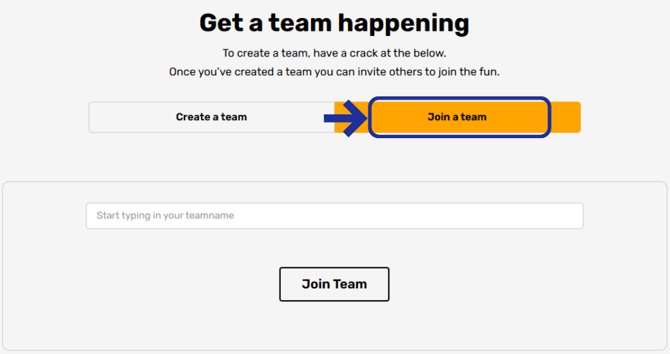
- Choose Join a Team
- Search for your Team by name and click Join us
You’ll be added to the Team straight away.
Another easy option
Your Team Captain can also share a direct link to the Team page.
If you have the link:
- Open it while logged in
- Click Join us on the Team page
- You’re in!

Accidentally joined the wrong team, or wanting to fly solo? See Can I change Teams?